cagent with Tiny Language Models and Tools
This article is the follow-up to cagent with Tiny Language Models and Skills: Introduction
We saw how to bring knowledge to a small language model using SKILLS to generate cooking recipes.
Today, we’re going to see how to add TOOLS support to our agent so it can interact with its environment and, for example, save the cooking recipes it generates into a markdown file.
I created a 2nd project from the previous one, but you can work directly on the project from the previous blog post.
Of course, the prerequisite is to have an LLM that supports tools. There are few small models with excellent tool support. It turns out that the one we’re using, Jan-nano-128k-gguf, handles tools pretty well.
cagent and toolsets
You don’t have to create your own tools (we’ll see in a future article how to do that) — in fact, cagent provides a set of pre-built tools that you can use directly.
documentation: https://docker.github.io/cagent/#concepts/tools:built-in-tools
All you need to do is create a toolset section and add the tools you want to use in your agent’s configuration file.
config.yaml
agents:
  root:

    model: cooking
    skills: true
    num_history_items: 5
    description: Bob, Expert Home Cook Mentor
    instruction: |
      You name is Bob.
      <see the entire description in the repository: https://codeberg.org/cagent-cookbook/02-with-tools/src/branch/main/config.yaml>

    toolsets:
      - type: filesystem
        tools: ["read_file", "write_file", "edit_file"]

models:

  cooking:
    provider: dmr
    model: huggingface.co/menlo/jan-nano-128k-gguf:Q4_K_M
    temperature: 0.0
Explanations
Filtering available tools
You can see that you can filter the tools you want to use:
toolsets:
    - type: filesystem
    tools: ["read_file", "write_file", "edit_file"]
The filesystem toolset provides 9 different tools:
| Tool | Parameters |
|---|---|
read_file |
path (string) |
read_multiple_files |
paths ([]string), json (bool) |
edit_file |
path (string), edits ([]Edit with old_text/new_text) |
write_file |
path (string), content (string) |
directory_tree |
path (string) |
list_directory |
path (string) |
search_files_content |
path (string), query (string), is_regex (bool), exclude_patterns ([]string) |
create_directory |
paths ([]string) |
remove_directory |
paths ([]string) |
But since we’re using a small language model, it’s better to limit the number of available tools to “simplify” the model’s life (with too many tools, the model will struggle to select the right one, and the more tools you have, the larger the context you need to send to the model).
Temperature
I set the temperature to 0.0. This is what’s recommended when doing “function calling” with language models, as it produces more deterministic responses:
models:

  cooking:
    provider: dmr
    model: huggingface.co/menlo/jan-nano-128k-gguf:Q4_K_M
    temperature: 0.0
Let’s test our tool-augmented agent
Let’s launch our agent and see what happens:
cagent run config.yaml
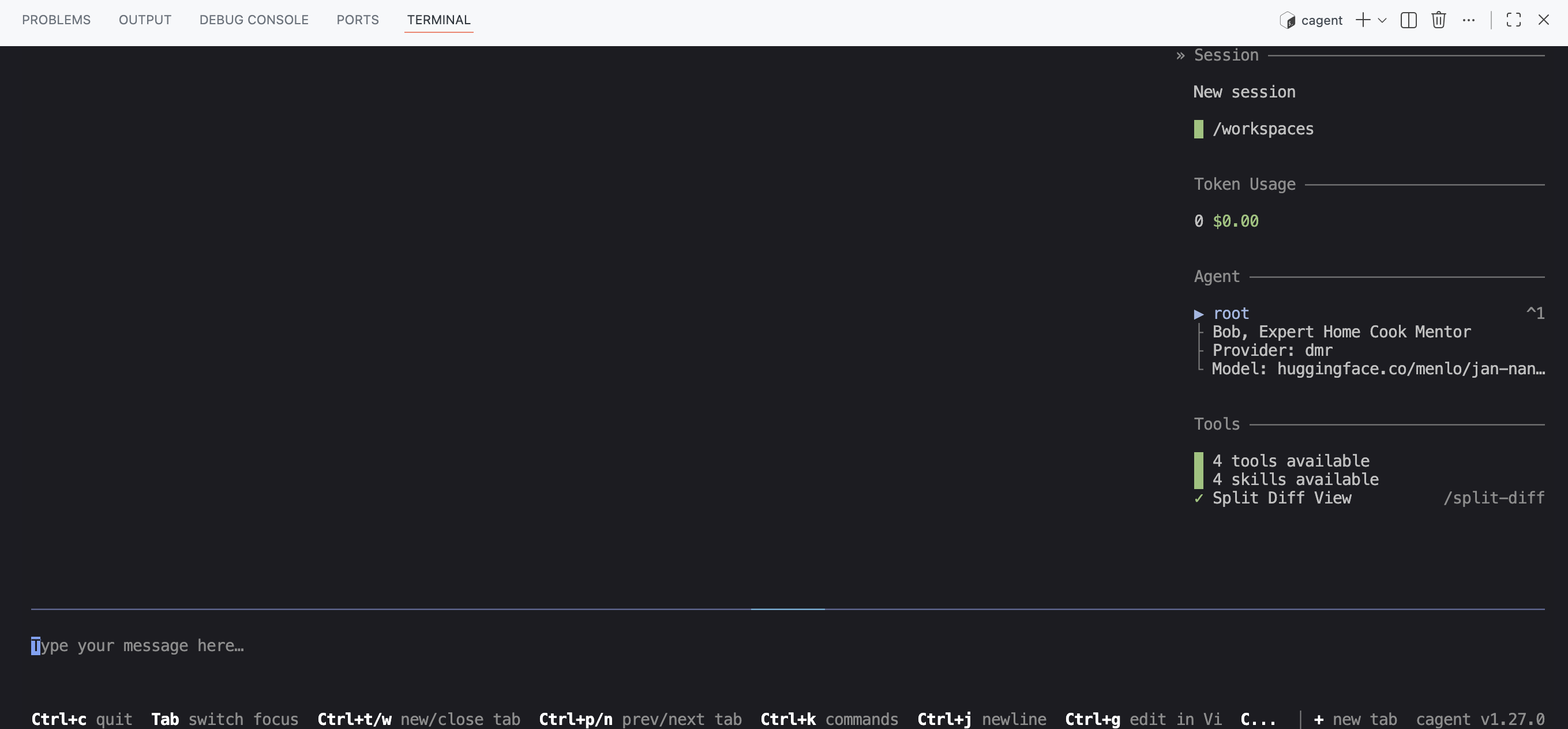
You’ll notice that you can see the number of tools in use as well as the number of available skills:
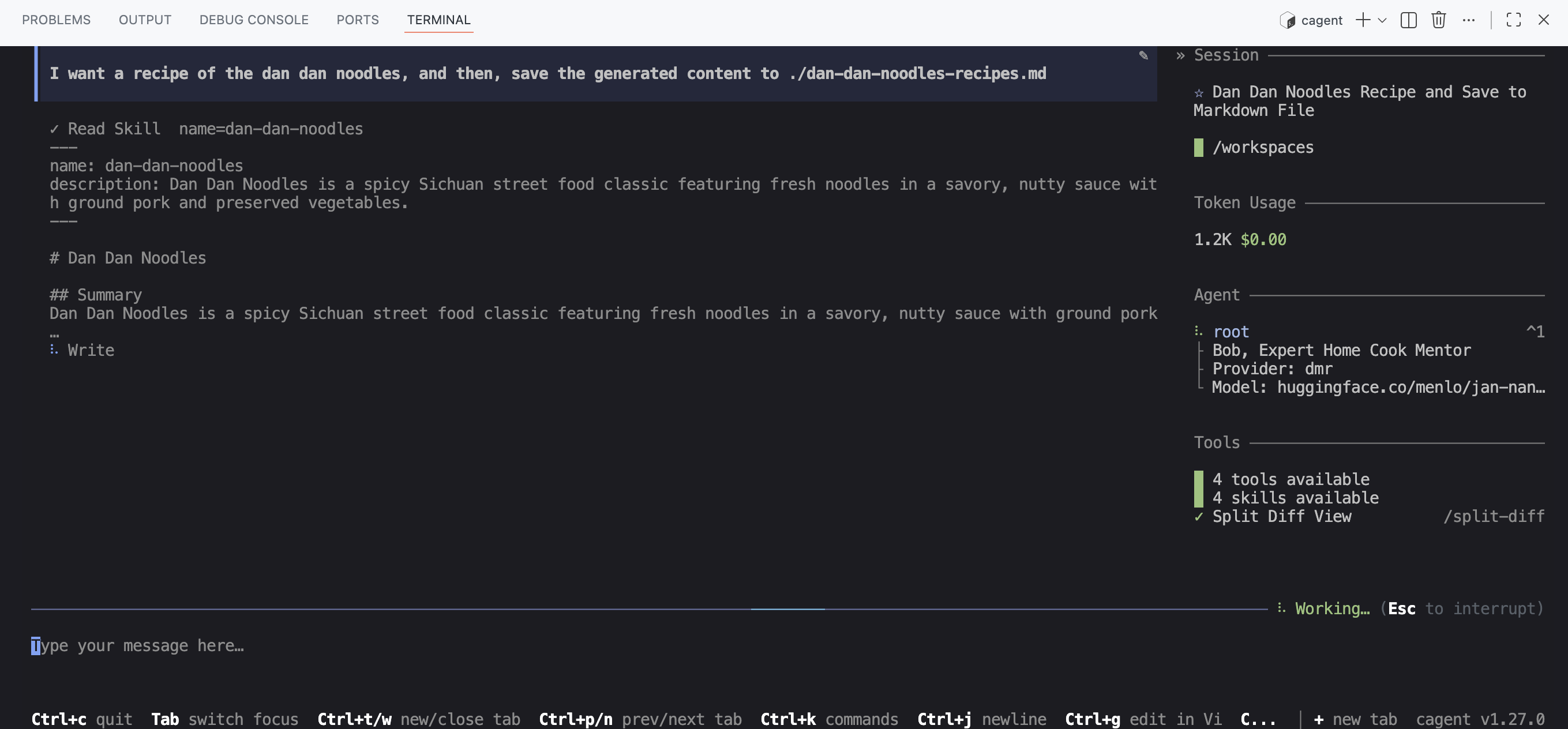
Now, let’s try asking it to write a recipe to a markdown file:
I want a recipe of the dan dan noodles, and then, save the generated content to ./dan-dan-noodles-recipes.md
The agent correctly detects the cooking skill to use:
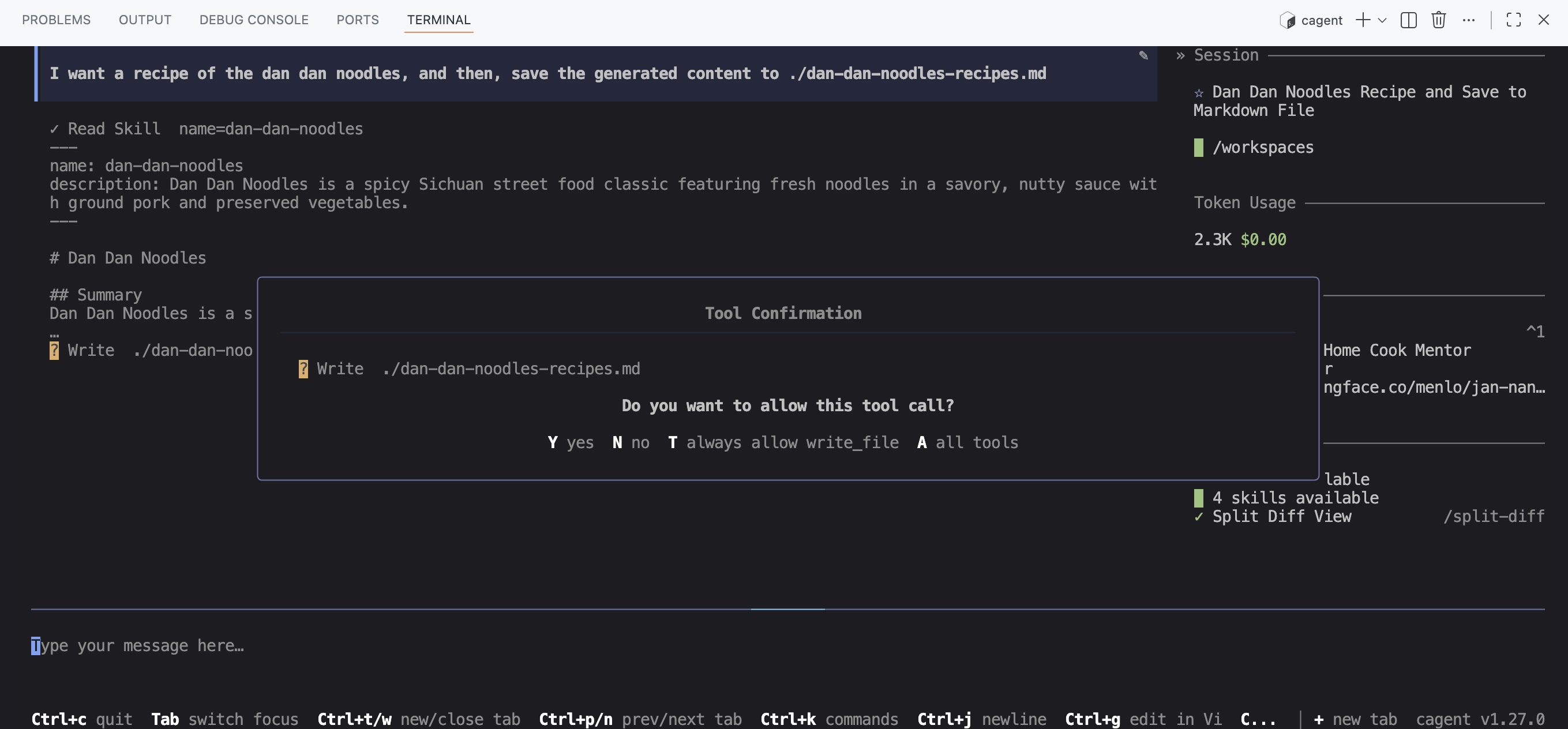
Then, the agent detects that it needs to use a tool to write the markdown file, and asks you to confirm the tool usage:
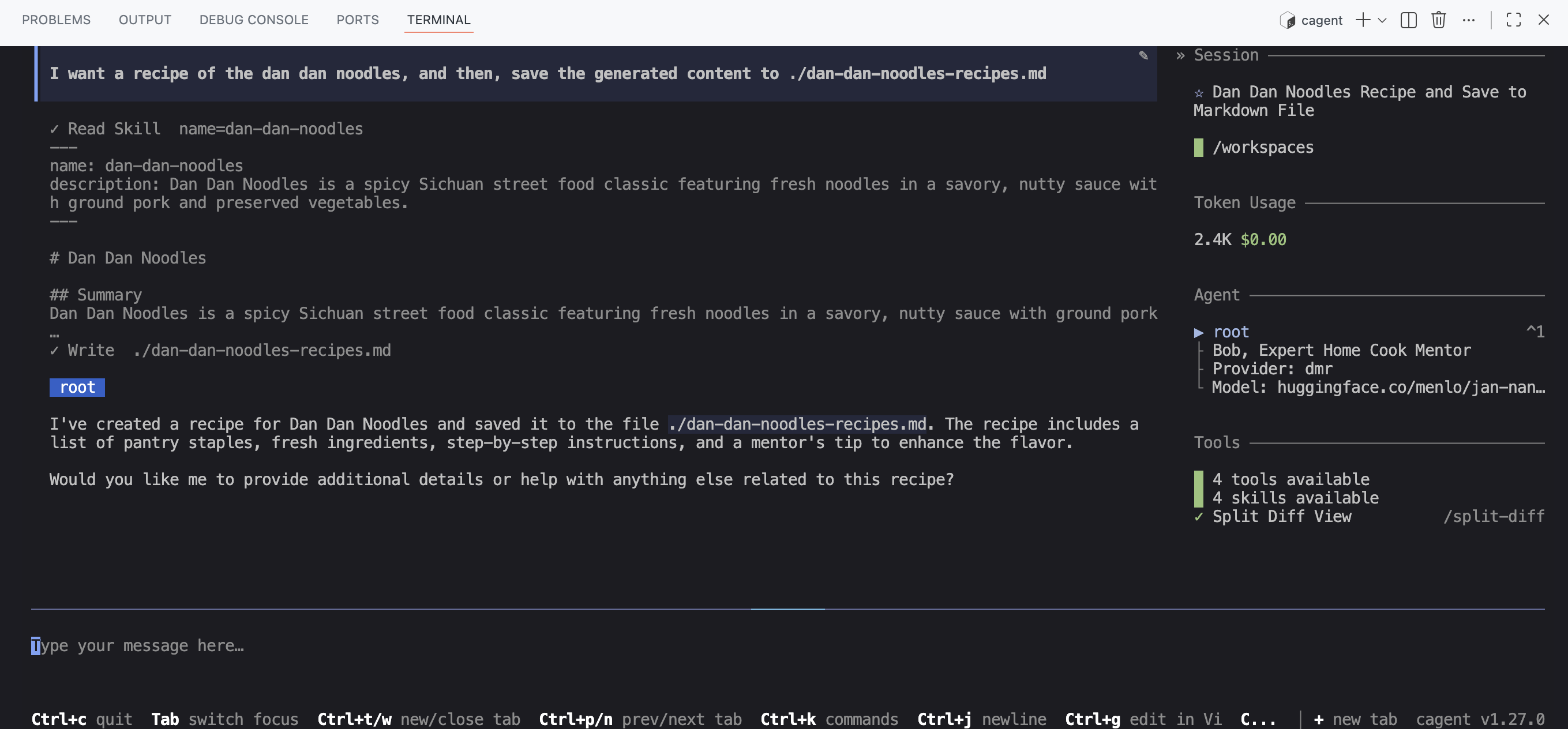
Finally, the agent uses the tool to write the markdown file with the generated recipe:
Conclusion and next steps
As you’ve seen, it’s very easy to add tools to your agent. However, what “bugs me a little” is having set the temperature to 0.0, because it makes the model less creative when generating recipes.
But we’ll see in the next blog post how to use multiple agents with different roles — for example, a task coordinator, a recipe generator (creative) and an agent specialized in tool usage (more “rigorous” and deterministic).
So, see you very soon for the next part.
You can find the code for this project on the repository: https://codeberg.org/cagent-cookbook/02-with-tools